2
স্টক আছে
একটি চ্যানেল বেছে নিন — আমরা যত দ্রুত সম্ভব উত্তর দেব
আর মাত্র 4টি আছে
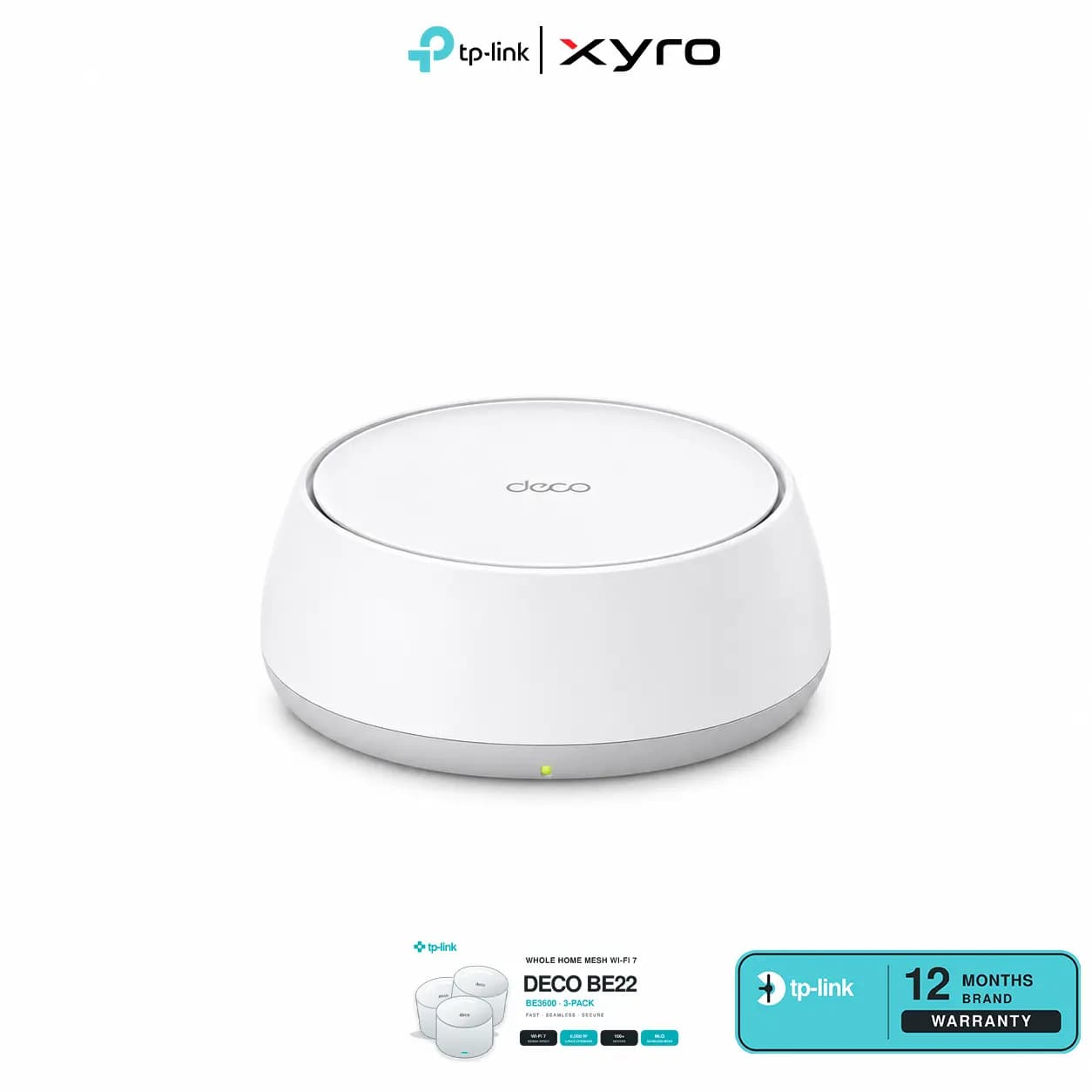
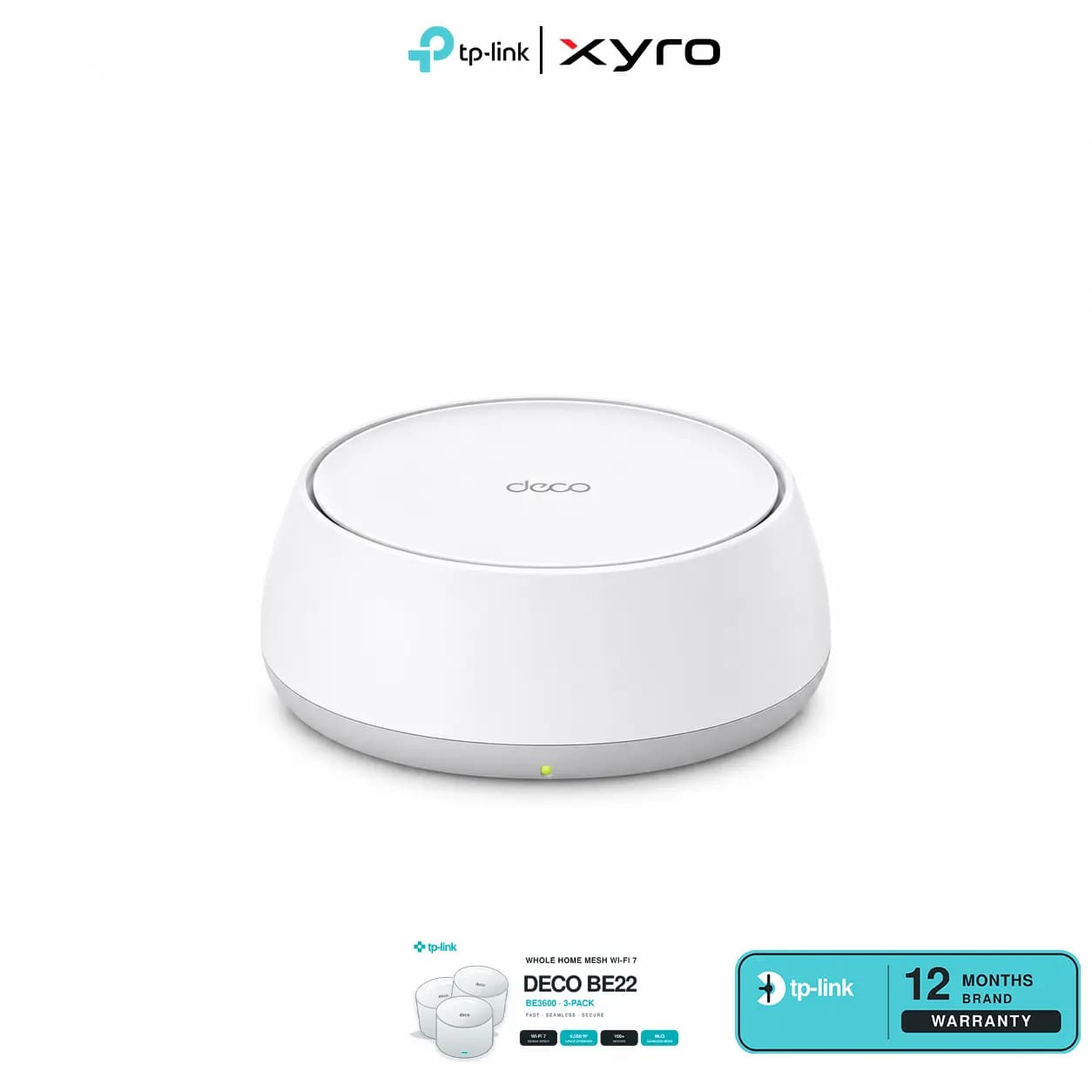
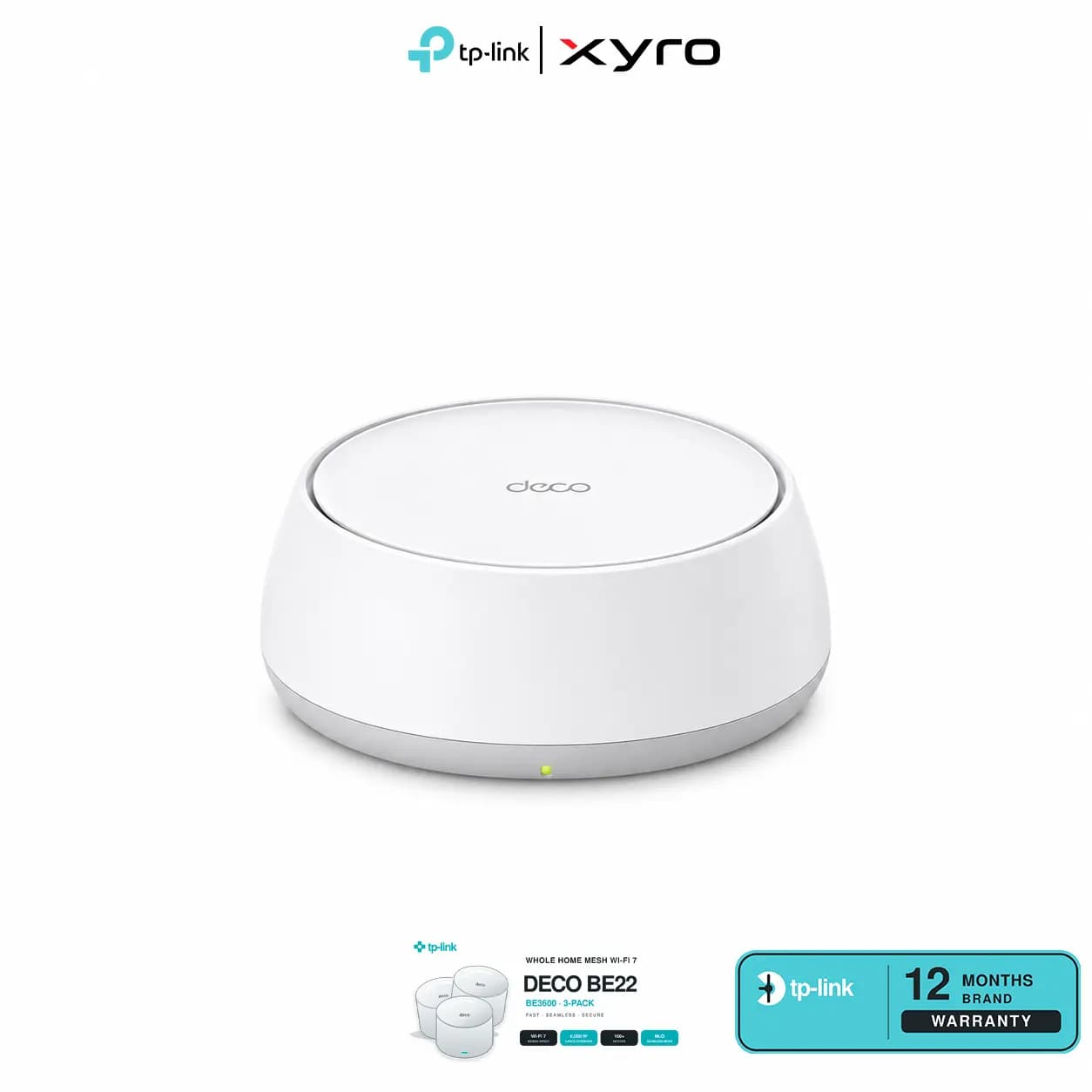
TP-Link Deco BE22 2-Pack Wi-Fi 7 Price in BD | XyroBD
TP-Link Deco BE22 BE3600 Whole Home Mesh Wi-Fi 7 System (2-Pack) Price in Bangladesh – XyroBD
The TP-Link Deco BE22 2-Pack helps extend Wi-Fi from your main router location to another part of your home. Connect one Deco to your internet equipment and place the second where it can maintain a good link to the first. Both units share one Wi-Fi name, so compatible devices can roam between them as you move from room to room.
The BE3600 system supports Wi-Fi 7 on the 2.4 GHz and 5 GHz bands, with Multi-Link Operation for compatible devices. Set up both units in the Deco app and choose wireless or Ethernet backhaul to suit your layout.
Two-Unit Mesh Kit: Extend one Wi-Fi network across separate rooms.
Dual-Band Wi-Fi 7: Rated at up to 2882 Mbps on 5 GHz and 688 Mbps on 2.4 GHz.
Multi-Link Operation: Compatible devices can use multiple wireless links.
Flexible Backhaul: Link the units wirelessly, by Ethernet or using combined backhaul.
Two Gigabit Ports per Unit: Auto-sensing ports can serve as WAN or LAN.
AI-Driven Roaming: Supports compatible devices as they move between Deco units.
Guest and IoT Networks: Set up separate networks for visitors and smart devices.
Deco App Setup: Configure and manage the system in Router or Access Point mode.
| Feature | Specification |
|---|---|
| Brand | TP-Link |
| Model | Deco BE22 |
| Pack Size | 2 units |
| Wi-Fi Class | BE3600 |
| Wireless Standard | Wi-Fi 7 (IEEE 802.11be), backward compatible with earlier Wi-Fi standards |
| Frequency Bands | 2.4 GHz and 5 GHz |
| 5 GHz Link Rate | Up to 2882 Mbps |
| 2.4 GHz Link Rate | Up to 688 Mbps |
| Antennas | 4 internal antennas per unit |
| Wireless Streams | 4 |
| Channel Width | Up to 160 MHz |
| Wireless Features | MLO, 4K-QAM, Multi-RUs and OFDMA |
| Mesh Roaming | AI-Driven Mesh with IEEE 802.11k/v/r support |
| Backhaul | Wireless, Ethernet and combined wired/wireless |
| Ethernet Ports | 2 × 1 Gbps WAN/LAN auto-sensing ports per unit |
| Operating Modes | Router and Access Point |
| WAN Connection Types | Dynamic IP, Static IP, PPPoE, PPTP and L2TP |
| Wireless Encryption | WPA-Personal, WPA2-Personal and WPA3-Personal |
| Network Security | SPI firewall, access control and TP-Link HomeShield |
| Guest and IoT Networks | Guest networks on both bands; separate IoT network support |
| Quality of Service | Device prioritisation |
| VPN Support | OpenVPN, PPTP and L2TP/IPSec client and server; availability depends on firmware and mode |
| Internet Protocols | IPv4 and IPv6 |
| Management | TP-Link Deco app |
| Buttons | Reset and WPS |
| Dimensions per Unit | 150 × 150 × 62 mm |
| Power Adapter Output | 12 V DC, 1.5 A |
| Operating Temperature | 0°C to 40°C |
Performance Note: BE3600 is the combined theoretical wireless link rate. Internet speeds depend on your ISP plan, the Gigabit WAN link and network conditions. Coverage depends on walls, layout and unit placement. Features such as MLO and fast roaming require compatible devices. Advanced HomeShield features require a paid subscription.
The two-unit kit is a practical starting point when you want Wi-Fi in a main living area and a separate bedroom or workspace. If you already have Ethernet between rooms, you can use it to link the units. You can also add another Deco later if you need to reach more areas.
Check the current Bangladesh price on the XyroBD product listing. Before ordering, confirm that you have selected the two-unit bundle and review the hardware version, availability and applicable warranty terms.
2 × TP-Link Deco BE22 units
2 × Power adapters
1 × RJ45 Ethernet cable
1 × Quick Installation Guide
What is the TP-Link Deco BE22 2-Pack price in Bangladesh?
Check the XyroBD product listing for the current price and availability.
Does the Deco BE22 support 6 GHz Wi-Fi?
No. It is a dual-band Wi-Fi 7 system that operates on 2.4 GHz and 5 GHz.
How much area can two Deco BE22 units cover?
Coverage varies with the floor plan, wall materials, interference and placement. Position the second unit where it still has a good connection to the main Deco.
Do I need an Ethernet cable between the two units?
No. The second unit can connect wirelessly to the main Deco. Ethernet backhaul is an option if you have a cable run between the rooms.
Can I keep my existing router?
Yes. You can use Access Point mode to add Deco mesh Wi-Fi while keeping your existing router in charge of routing.
Can I add a third Deco unit later?
Yes. You can expand the network with another Deco BE22 or a compatible Deco model. Available features depend on the models in use.
XYRO – Your Trusted Destination for Original Gadgets & Accessories.