2
স্টক আছে
একটি চ্যানেল বেছে নিন — আমরা যত দ্রুত সম্ভব উত্তর দেব
আর মাত্র 4টি আছে
12 Sold
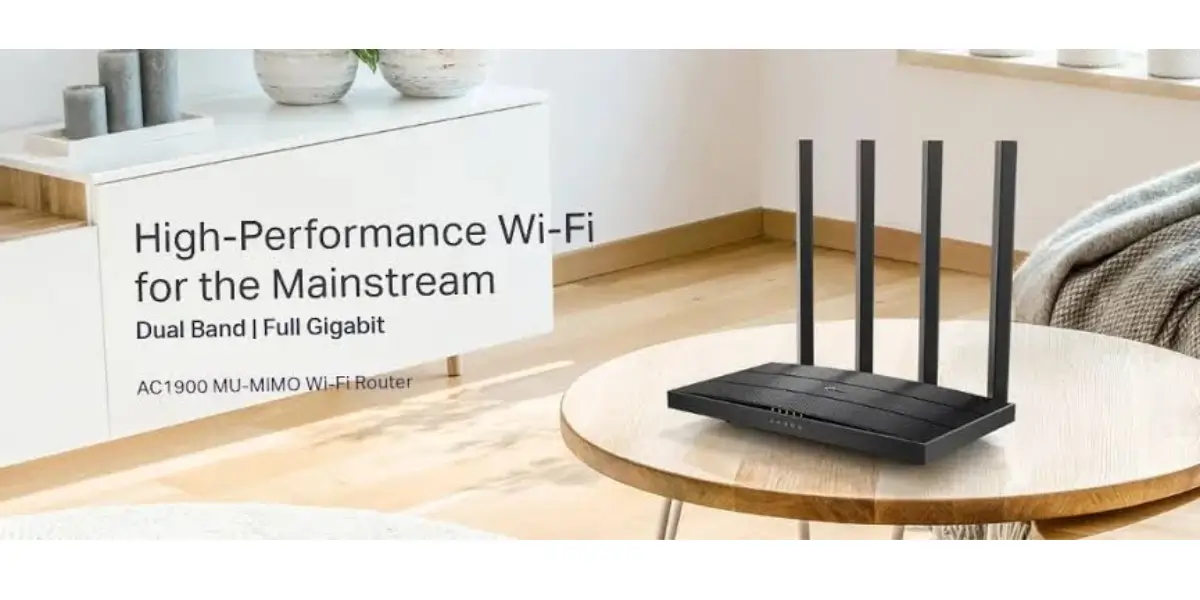
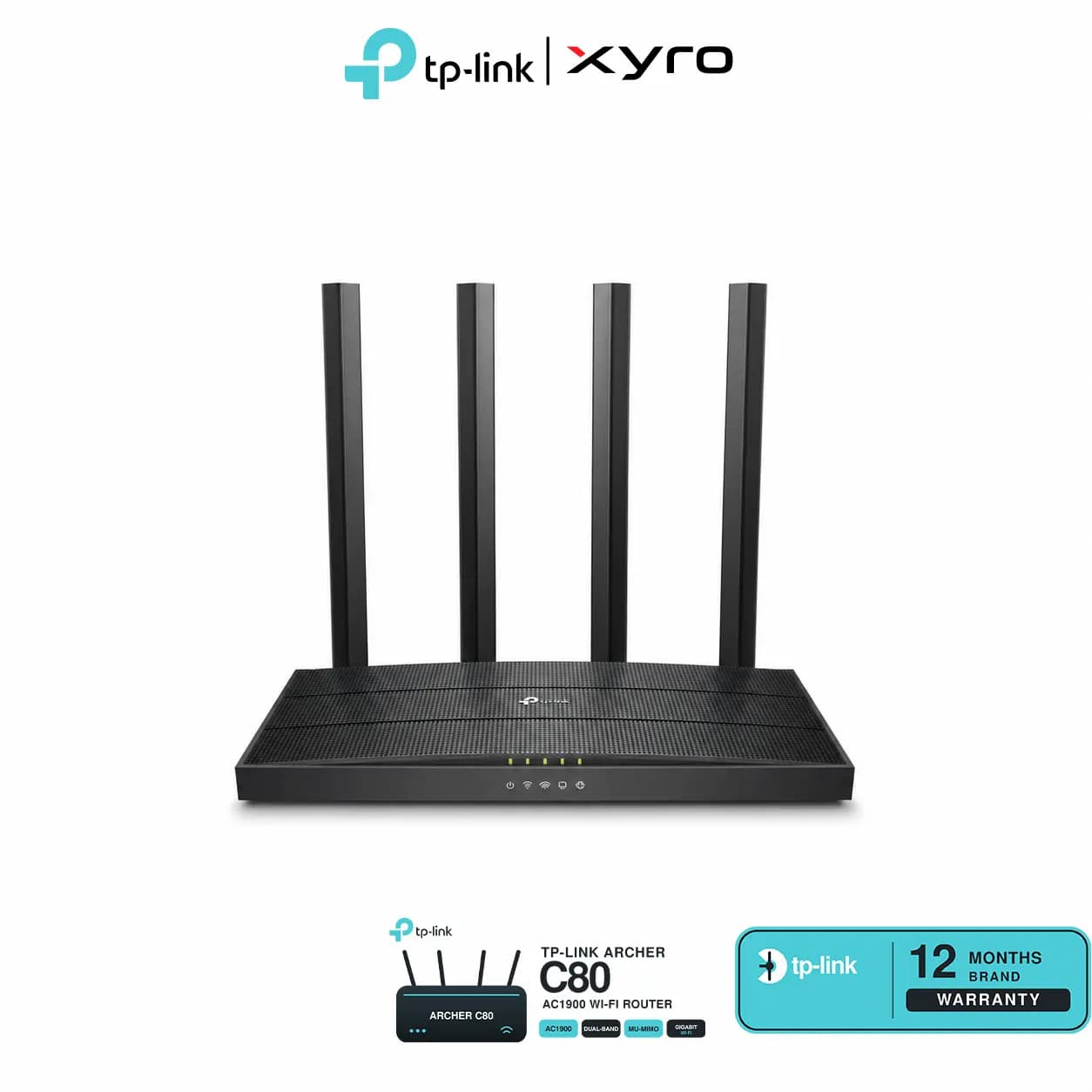
Explore TP-Link Archer C80 AC1900 at XyroBD with dual-band Wi-Fi, 3×3 MU-MIMO, four antennas, Gigabit ports, WPA3 security and Tether app setup.
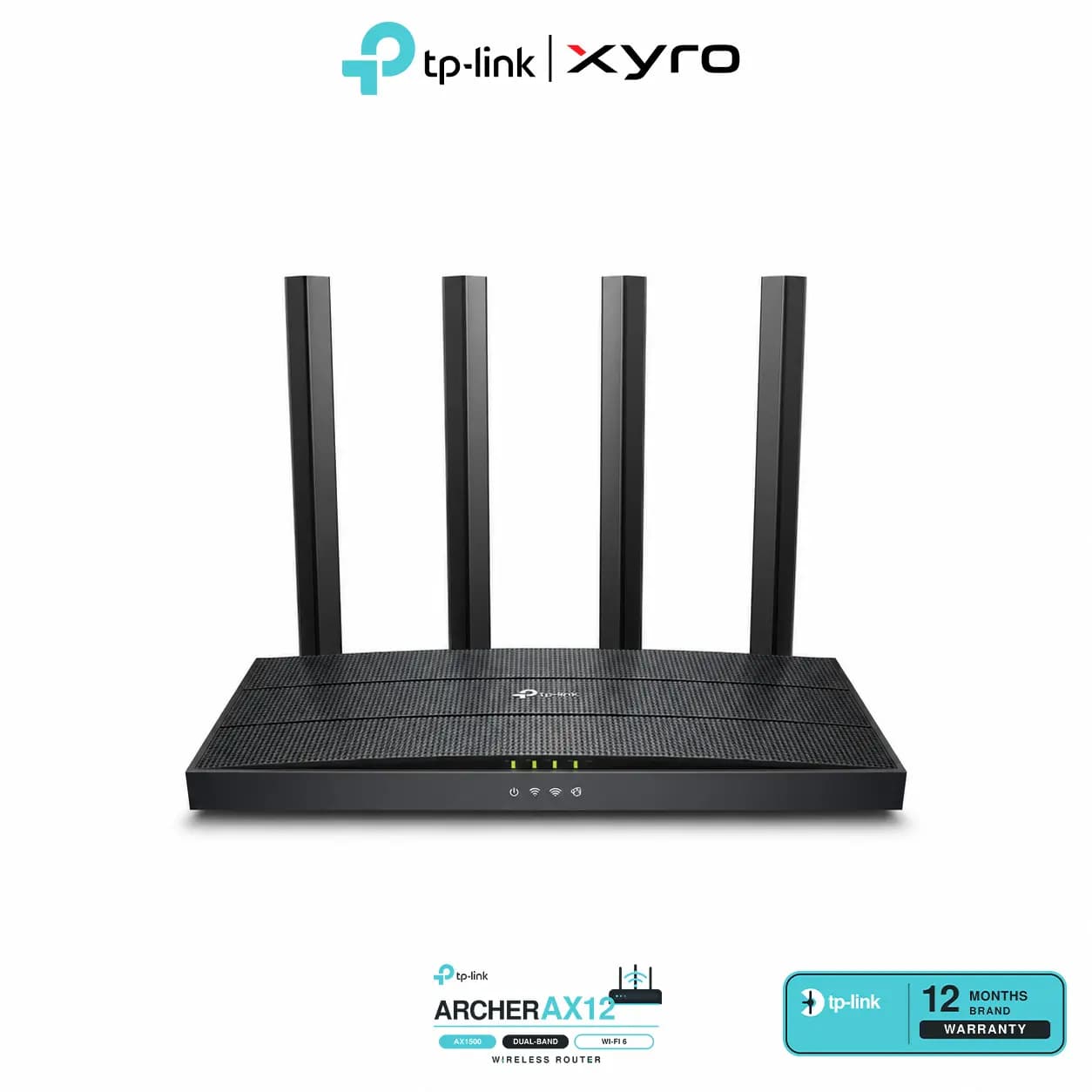
The TP-Link Archer C80 is a dual-band Wi-Fi 5 router for everyday home networking. It combines four external antennas and Beamforming with Gigabit wired connectivity. Smart Connect, guest networks and parental controls help manage connected devices, while the TP-Link Tether app provides convenient setup and network management.
AC1900 wireless class: Advertised rates of up to 1300 Mbps on 5GHz and 600 Mbps on 2.4GHz.
3×3 MU-MIMO: Supports communication with multiple compatible wireless clients.
Four external antennas: Fixed antennas with Beamforming to focus signals towards connected devices.
Full Gigabit connectivity: One Gigabit WAN port and four Gigabit LAN ports.
Smart Connect: Assigns devices to a suitable Wi-Fi band automatically.
Airtime Fairness: Helps distribute wireless airtime between devices.
Mesh support: Supports compatible EasyMesh and TP-Link OneMesh setups, depending on hardware and firmware.
WPA3 security: Supports WPA3 encryption with compatible clients.
Parental controls: Manage website access and internet schedules.
Flexible management: Configure through the Tether app or web interface.
| Specification | Details |
|---|---|
| Brand | TP-Link |
| Model | Archer C80 |
| Wireless Generation | Wi-Fi 5 |
| Wireless Class | AC1900 |
| Frequency Bands | 2.4GHz and 5GHz |
| 5GHz Standards | IEEE 802.11ac/n/a |
| 2.4GHz Standards | IEEE 802.11n/b/g |
| Maximum 5GHz Signal Rate | 1300 Mbps |
| Maximum 2.4GHz Signal Rate | 600 Mbps |
| Processor | 1.2GHz CPU |
| Antennas | Four fixed external antennas |
| MU-MIMO | 3×3 MU-MIMO |
| Beamforming | Supported |
| Smart Connect | Supported |
| Airtime Fairness | Supported |
| WAN Port | 1 × Gigabit Ethernet |
| LAN Ports | 4 × Gigabit Ethernet |
| Operating Modes | Router and Access Point |
| Mesh Support | EasyMesh and OneMesh; verify version compatibility |
| Wireless Security | Includes WPA2 and WPA3 |
| Guest Networks | Separate 2.4GHz and 5GHz guest networks |
| Parental Controls | URL filtering and time controls |
| Quality of Service | Device-based prioritisation |
| Network Protocols | IPv4 and IPv6 |
| Management | TP-Link Tether app and web interface |
| Buttons | WPS/Wi-Fi, Power On/Off and Reset |
| Power Adapter | EU: 12V DC, 1A; US: 12V DC, 1.5A |
| Dimensions | 215 × 117 × 32mm |
| Warranty | Confirm applicable duration and coverage with XyroBD |
Wireless rates are theoretical maximums. Actual speed and coverage depend on your internet plan, device capabilities, interference, obstacles and router placement. MU-MIMO requires compatible clients.
The Archer C80 offers both wireless access and four wired LAN connections in one router. Smart Connect simplifies band selection, while guest networks let visitors connect separately from your main Wi-Fi. Router and Access Point modes provide flexibility when setting up or extending your network.
Check the latest TP-Link Archer C80 price in Bangladesh at XyroBD. Review availability, hardware version, included accessories and applicable warranty terms before placing your order.
TP-Link Archer C80 router × 1
Power adapter × 1
RJ45 Ethernet cable × 1
Quick Installation Guide × 1
What is the TP-Link Archer C80 price in Bangladesh?
Check the XyroBD product listing for the current price and availability.
Is the Archer C80 a Wi-Fi 6 router?
The Archer C80 uses Wi-Fi 5, with 802.11ac connectivity on its 5GHz band.
Does AC1900 mean 1900 Mbps internet speed?
AC1900 combines the advertised maximum rates of both wireless bands. It does not guarantee that speed on one device or through your internet connection.
How many Gigabit ports does it have?
It has five Gigabit Ethernet ports: one WAN port and four LAN ports.
Does it support mesh networking?
Yes. Compatible EasyMesh and TP-Link OneMesh setups are supported. Check the router’s hardware version, firmware and partner-device compatibility.
Can I set it up using my phone?
Yes. Use the TP-Link Tether app on a compatible Android or iOS phone. Browser-based setup is also available.
XYRO – Your Trusted Destination for Original Gadgets & Accessories.